
Ai assistant for zoom sales meetings with consent is worth exploring when the objective is concrete: a discovery call ends with pricing questions, technical blockers and three promised next steps. A meeting assistant should prepare an editable follow-up draft grounded in permitted meeting data, not silently join calls or record attendees.
The user experience first
Consider the audience first: sales teams wanting better follow-up after calls. In this situation, the goal is not simply to keep someone chatting. The experience should help the person understand information, complete a useful task or make an informed next choice. Meeting assistants can organize preparation, notes and follow-up, but platform access, attendee consent and source reliability have to shape the design. A generated action list is a draft until its owners confirm it.
Where possible, tag each generated decision with a source timestamp or written note so attendees can verify it. Separate tentative suggestions, explicit decisions and tasks awaiting owner approval. For ai assistant for zoom sales meetings with consent, this changes the design from an open-ended demo into a repeatable workflow with a visible result.
Decisions, tradeoffs and a realistic example
A discovery call ends with pricing questions, technical blockers and three promised next steps. In a working product, write down what the system knows, which details it must ask the user to confirm, and what it cannot responsibly infer. A meeting assistant should prepare an editable follow-up draft grounded in permitted meeting data, not silently join calls or record attendees.
There are at least two valid implementation levels. An informational assistant can explain approved material and direct someone to the next resource. An action-taking agent needs explicit tool permissions, stronger identity checks when appropriate, transactional confirmation and an audit trail. Choose the simpler level unless the task truly requires the added complexity.
Use approved transcripts or authorized real-time streams. Pair that choice with a clear correction or cancellation path; a useful conversational experience should remain understandable when the automated step does not work.
Protect quality when it scales
A pilot should be judged by follow-up completeness and correction rate, not by how human the answer sounds. Collect a baseline where possible, evaluate a controlled set of common and difficult examples, and have someone review what happened when the AI made a mistake. Keep evaluation data proportionate and access-controlled.
Meeting software permissions vary by product tier, account and app. Consent, approved recording settings and supported APIs must be confirmed in the actual environment. Because conversational AI can produce confident errors, important facts, transactions and commitments should be independently confirmed.
Turn the concept into a repeatable process
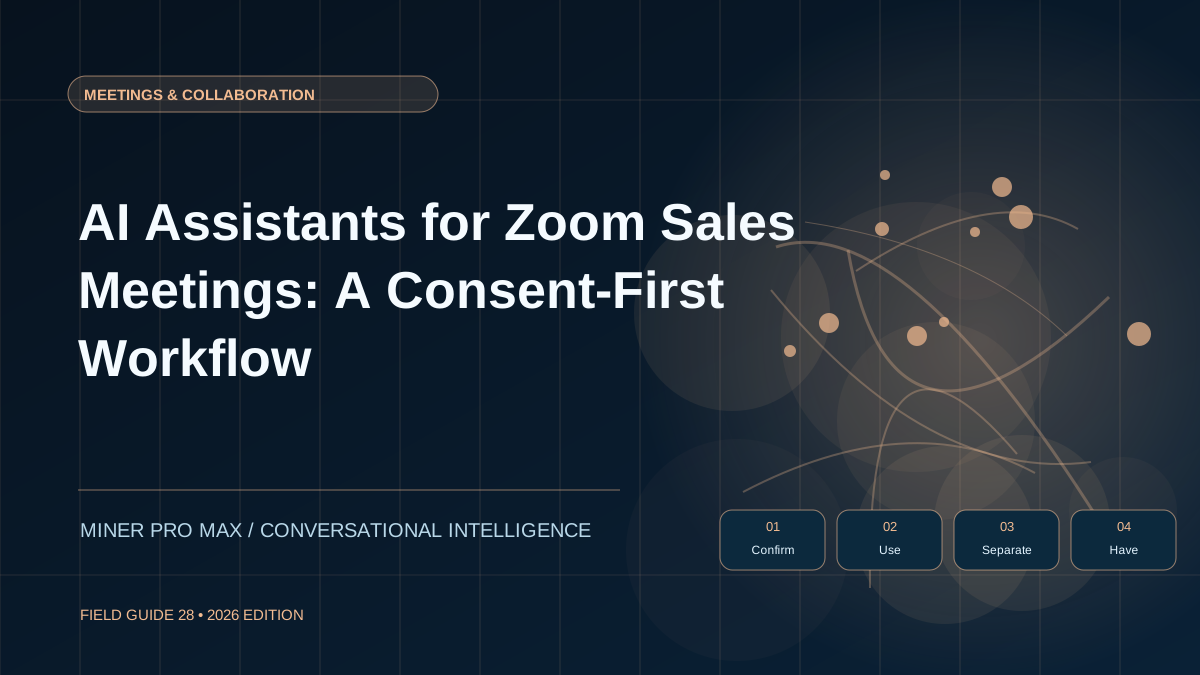
The practical starting point is to translate the scenario into four observable stages. Every stage should be testable independently: someone can verify its input, see its output and decide what happens next. Separate pre-meeting preparation, post-meeting artifact processing and live media participation. Each has different integration requirements.
Confirm host permission and meeting platform settings.
Use approved transcripts or authorized real-time streams.
Separate direct quotes from generated summaries.
Have the host approve actions and emails before sending.
Test the sequence against an unscripted request from the intended audience, then repeat it with missing information and an interrupted session. This reveals whether the agent can admit uncertainty, recover the workflow and still offer a sensible next action. If the answer would have real-world consequences, require an authorized person to approve the action.
From research to a responsible first version
For sales teams wanting better follow-up after calls, the most useful first release solves one specific problem end to end. Begin with the concrete first step: confirm host permission and meeting platform settings, choose a safe feedback channel and publish what the agent is allowed to do. Then expand only when the measured results justify additional permissions, storage or cost.
Visitors exploring the ecosystem can discover the character-led AI experience at AskValora.com or compare the separate VELUXE AI hub. These links are starting points for exploring current products—not assurances that every workflow described in this educational guide is already deployed. For hardware planning, Miner Pro Max illustrates the kinds of systems to evaluate for local or dedicated AI workloads.
Official platform references
Validate the integration method against current official documentation rather than a demo. Google documents the Meet REST API separately from its Meet Media API, which has developer-preview restrictions. Zoom documents Meeting SDK authorization and AI recording-consent controls. These references describe platform capabilities, not a claim that VALORA currently offers an integration.
Questions readers ask
What is a practical first step for ai assistant for zoom sales meetings with consent?
Begin with a small, reversible test for sales teams wanting better follow-up after calls. Confirm host permission and meeting platform settings. Then confirm the experience works for the real user, not only in a scripted demonstration.
How should success be measured for ai assistant for zoom sales meetings with consent?
Use follow-up completeness and correction rate, alongside direct user feedback and a review of incorrect or unresolved interactions. Establish the baseline before introducing automation.
What is the main limitation to plan for?
Zoom app authorization, recording notice and participant-consent requirements must be checked for the specific integration.
Editorial note: scenarios and recommendations are educational examples, not measured deployment results or claims of currently available product integrations. Confirm vendor terms, product capabilities, privacy obligations and technical performance independently.